

Webhook Transformation Cookbook: JavaScript Examples
Copy practical JavaScript webhook transforms to reshape JSON, rename fields, add auth, filter events, convert forms, change paths and sign payloads.
A webhook transformation is a small function that runs between the sender and destination. It can reshape JSON, rename fields, add authentication, filter events, change the URL path, convert form data, or sign the outgoing body.
Webhook Relay functions support JavaScript and Lua. This cookbook uses JavaScript and the current r request object. Every example is synthetic, contains no customer code, and can be adapted in the dashboard function editor.
The basic webhook transform
The incoming body is a string in r.body. Parse it, construct the destination payload, and write a JSON string back:
const source = JSON.parse(r.body)

const destination = {
  event_type: source.type,
  event_id: source.id,
  customer_id: source.customer && source.customer.id
}

r.setHeader("Content-Type", "application/json")
r.setBody(JSON.stringify(destination))
Attach provider normalization to an output when other destinations should still receive the untouched event. Attach a function to the input when all outputs need the same normalized request or the sender needs a custom response.
1. Rename fields and flatten nested JSON
Source:
{
  "event": "invoice.paid",
  "data": {
    "invoice": { "id": "inv_123", "amount": 4900, "currency": "eur" },
    "customer": { "id": "cus_456" }
  }
}
Function:
const source = JSON.parse(r.body)
const invoice = source.data && source.data.invoice

if (!invoice || !invoice.id) {
  r.stopForwarding()
  return
}

r.setBody(JSON.stringify({
  type: source.event,
  invoice_id: invoice.id,
  customer_id: source.data.customer && source.data.customer.id,
  amount_minor: invoice.amount,
  currency: String(invoice.currency || "").toUpperCase()
}))
r.setHeader("Content-Type", "application/json")
Build a new object rather than deleting dozens of fields from the source. An allowlist makes the destination contract obvious and reduces accidental data disclosure.
2. Convert an event to Slack or Discord
Slack incoming webhook:
const event = JSON.parse(r.body)

r.setBody(JSON.stringify({
  text: `Order ${event.id} changed to ${event.status}`
}))
r.setHeader("Content-Type", "application/json")
Discord incoming webhook:
const event = JSON.parse(r.body)

r.setBody(JSON.stringify({
  content: `Order **${event.id}** changed to **${event.status}**`
}))
r.setHeader("Content-Type", "application/json")
See the full webhook-to-Slack and webhook-to-Discord guides for setup and richer messages.
3. Add destination authentication safely
Keep credentials out of source code. Add DESTINATION_API_TOKEN to the function's configuration values, then read it at runtime:
const token = cfg.get("DESTINATION_API_TOKEN")

if (!token) {
  r.stopForwarding()
  return
}

r.setHeader("Authorization", "Bearer " + token)
For an API key header:
r.setHeader("X-API-Key", cfg.get("DESTINATION_API_KEY"))
If the secret rotates, update the configuration value without editing reusable function code.
4. Filter by event type, branch or header
Only forward completed production deployments from the main branch:
const event = JSON.parse(r.body)

const allowed = event.type === "deployment.completed" &&
  event.environment === "production" &&
  event.branch === "main"

if (!allowed) {
  r.stopForwarding()
  return
}
Filter on a header when the provider gives you a reliable event-type header:
const eventType = r.headers["X-Event-Type"] || r.headers["x-event-type"]

if (eventType !== "issue.updated") {
  r.stopForwarding()
  return
}
Read the dedicated webhook filtering and routing guide for fan-out patterns and failure handling.
5. Convert multipart or URL-encoded form data to JSON
Parsed form values are arrays under r.formData:
const form = r.formData || {}

const payload = {
  name: form.name && form.name[0],
  email: form.email && form.email[0],
  message: form.message && form.message[0]
}

if (!payload.email) {
  r.stopForwarding()
  return
}

r.setBody(JSON.stringify(payload))
r.setHeader("Content-Type", "application/json")
Webhook Relay needs the original content type and multipart boundary to parse the fields. The multipart form reference and Jotform-to-JSON tutorial cover complete examples.
6. Change the method, path and query string
Transform a generic event into an API command:
const event = JSON.parse(r.body)

r.setMethod("POST")
r.setPath("/api/v2/job_templates/42/launch/")
r.setRawQuery("source=" + encodeURIComponent(event.source || "webhook"))
r.setHeader("Content-Type", "application/json")
r.setBody(JSON.stringify({
  extra_vars: {
    revision: event.revision,
    environment: event.environment
  }
}))
r.setPath replaces the additional request path used for the destination. Confirm the final URL in the delivery log before enabling a production action.
7. Sign the transformed body with HMAC-SHA256
Some destinations require your integration to sign the outgoing body:
const source = JSON.parse(r.body)
const outgoing = JSON.stringify({
  id: source.id,
  status: source.status
})

const signature = crypto.hmac(
  "sha256",
  cfg.get("DESTINATION_SIGNING_SECRET"),
  outgoing
)

r.setBody(outgoing)
r.setHeader("Content-Type", "application/json")
r.setHeader("X-Webhook-Signature", "sha256=" + signature)
The signature must cover the exact string sent to the destination. Create outgoing once, sign it, and pass that same value to r.setBody. Do not stringify the object again later.
Incoming signature verification is provider-specific. Use the HMAC verification guide before treating an event as trusted.
8. Answer a provider validation handshake
Input-attached functions can customize the HTTP response. This generic challenge echo is useful for providers that validate a callback URL with a query parameter:
const challenge = r.query.validationToken

if (r.method === "POST" && challenge) {
  r.setResponseStatus(200)
  r.setResponseHeader("Content-Type", "text/plain")
  r.setResponseBody(challenge)
  r.stopForwarding()
  return
}
Only use the exact method, parameter and response required by the provider. The Microsoft Graph webhook validation guide shows a concrete implementation.
9. Generate a first draft from input and output samples
The automatic transform builder can create a draft when you have representative input and desired output JSON:
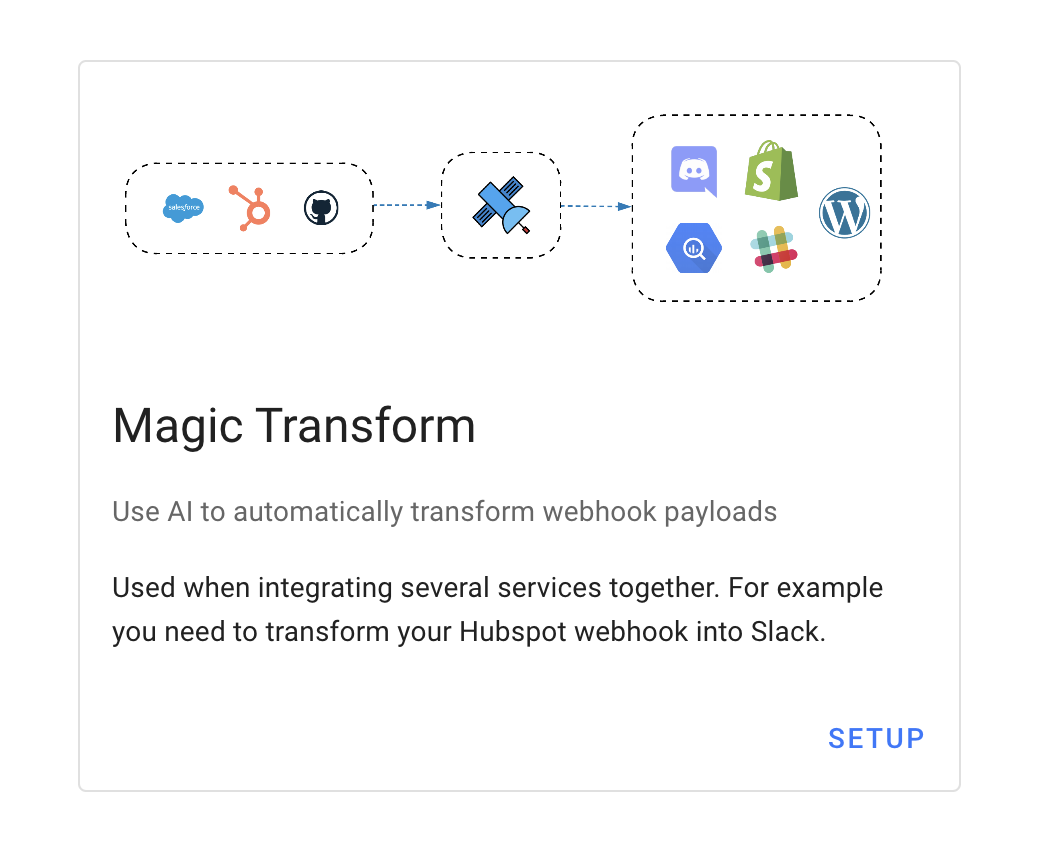
Use matching values in both samples so the generator can infer the mapping. Then review the result like any other integration code:
- Remove fields the destination does not need.
- Add checks for missing arrays and nested objects.
- Move tokens and secrets into configuration values.
- Decide which events should call
r.stopForwarding(). - Test with more than one captured payload.
Generated code is a starting point, not a substitute for knowing the destination contract.
Testing checklist
- Capture a real sample with Webhook Bin or a test bucket.
- Remove personal data before saving fixtures or sharing them.
- Test the expected event and at least one event that should be rejected.
- Test missing optional fields, empty arrays and malformed JSON.
- Inspect the final method, path, headers and body in the delivery log.
- Verify the destination handles retries idempotently.
- Confirm no secret appears in source code or logs.
For the full request API, including r.body, r.headers, r.query, response methods and configuration values, use the functions documentation.