A webhook.site Alternative for Testing and Forwarding Webhooks
A webhook.site alternative that does more than inspect: an instant webhook URL, real-time requests, then forwarding to localhost or a private server.
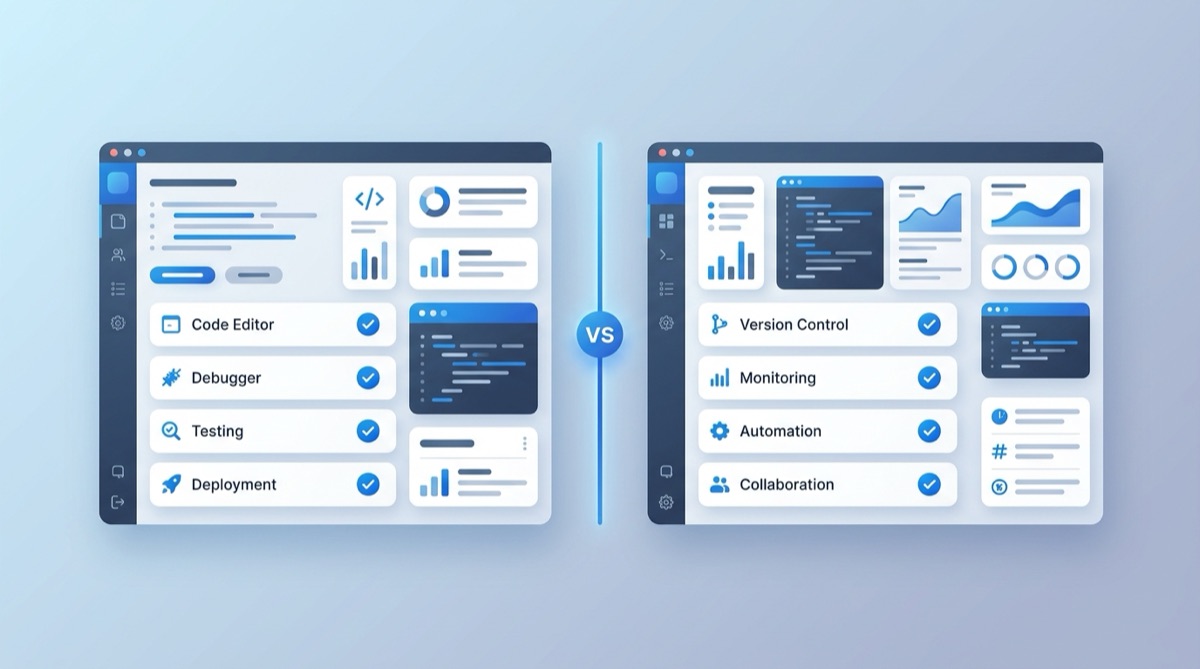
webhook.site is the tool most developers reach for to see what a webhook actually contains. It's genuinely useful — paste the URL, watch requests land. But the moment you want to do something with those requests — replay them to your app, forward them to localhost, or keep a permanent URL — you hit its edges.
Webhook Relay's free Webhook Bin covers the same instant-inspection use case, and then keeps going: the same platform forwards webhooks to your own machine or private network.
TL;DR
- Just need to see a payload? Both work. Open Webhook Bin and you're inspecting in seconds, no signup.
- Need those webhooks to reach your app on localhost? Webhook Bin → the relay agent does it; webhook.site stops at inspection.
- Want a permanent URL you configure once? Create a free Webhook Relay account and keep your endpoint forever.
webhook.site vs Webhook Bin
| webhook.site | Webhook Relay (Webhook Bin) | |
|---|---|---|
| Instant URL, no signup | Yes | Yes |
| Real-time request inspector | Yes | Yes |
| Custom response (status, body) | Yes | Yes |
| Forward to localhost | No | Yes (relay agent) |
| Forward to a private server / Kubernetes | No | Yes |
| Transform payloads (JS/Lua) | Limited | Yes |
| Fan-out to multiple destinations | No | Yes |
| Permanent endpoint | Paid | Yes (free account) |
| Path from testing to production | No | Yes |
The real difference: testing is step one
webhook.site is a great inspector. Webhook Relay is an inspector plus a delivery platform, so the URL you test with can become the URL you ship with.
A typical flow:
- Inspect (no install). Open Webhook Bin, copy the URL, point Stripe/GitHub/Shopify at it, and watch the requests arrive with full headers and body.
- Forward to your app. Create a free account, install the agent, and deliver those same webhooks to
localhost:
relay forward --bucket my-app http://localhost:8080/webhook
- Go to production. Keep the endpoint, add retries, transformations, or multiple destinations — without changing the URL your provider calls.
Where webhook.site is still handy
- Throwaway, zero-commitment inspection when you don't care about forwarding.
- A shareable URL to ask "what is this service sending?"
For those, either tool is fine. The reason to choose Webhook Relay is that you rarely just want to look — you want the webhook to end up in your code.
Try it
Open Webhook Bin to inspect a request right now, or create a free account to forward webhooks to localhost and beyond. See the webhooks documentation for the full localhost setup.