
Encrypted tunnels
Webhook Relay tunnels are encrypted. Securely expose your local servers to the internet.
Expose servers from your local machine. Serve backend APIs, frontend apps and AI models.
# 1. your app, running locally
$ npm run dev
# 2. in a second terminal: expose it over a tunnel
$ relay connect --name my-tunnel http://localhost:3000
# open the public HTTPS URL the agent prints — share it with anyone
Full walkthrough: demo your local website.
Webhook Relay tunnels are not expiring. You can keep them forever. Configure the tunnel once, connect to it at any time.
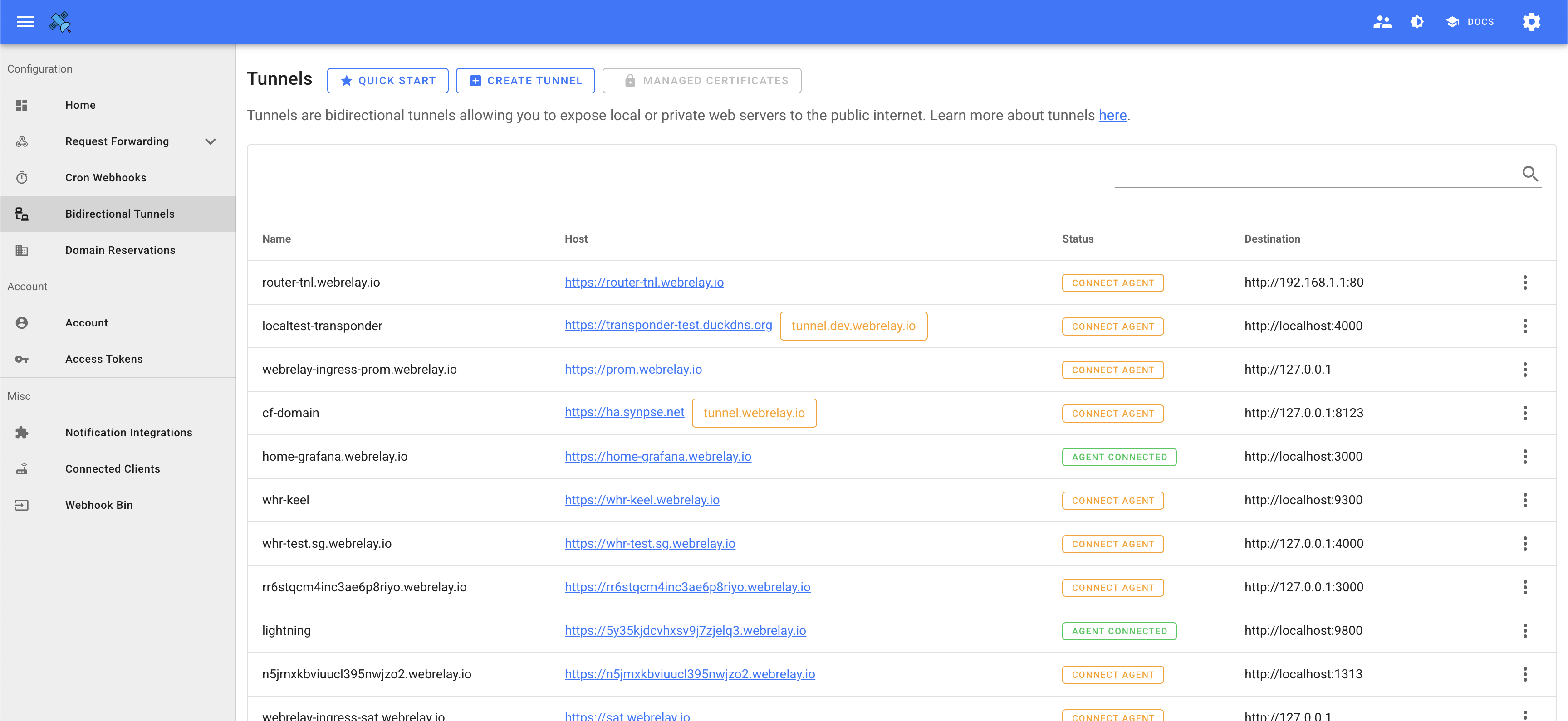
Webhook Relay tunnels are encrypted. Securely expose your local servers to the internet.
Customize your tunnel domain with a subdomain.
Webhook Relay tunnels are available in multiple regions. Connect to the closest region to your users.
Install the relay agent, run one command and share any local port on a public HTTPS URL. No firewall changes.
Free plan · No credit card required · 7-day money-back guarantee on paid plans