

How to Send Webhooks to Google Cloud Pub/Sub
Publish incoming webhooks straight to a Google Cloud Pub/Sub topic with Service Connections — no Cloud Function to write. Build event-driven pipelines.
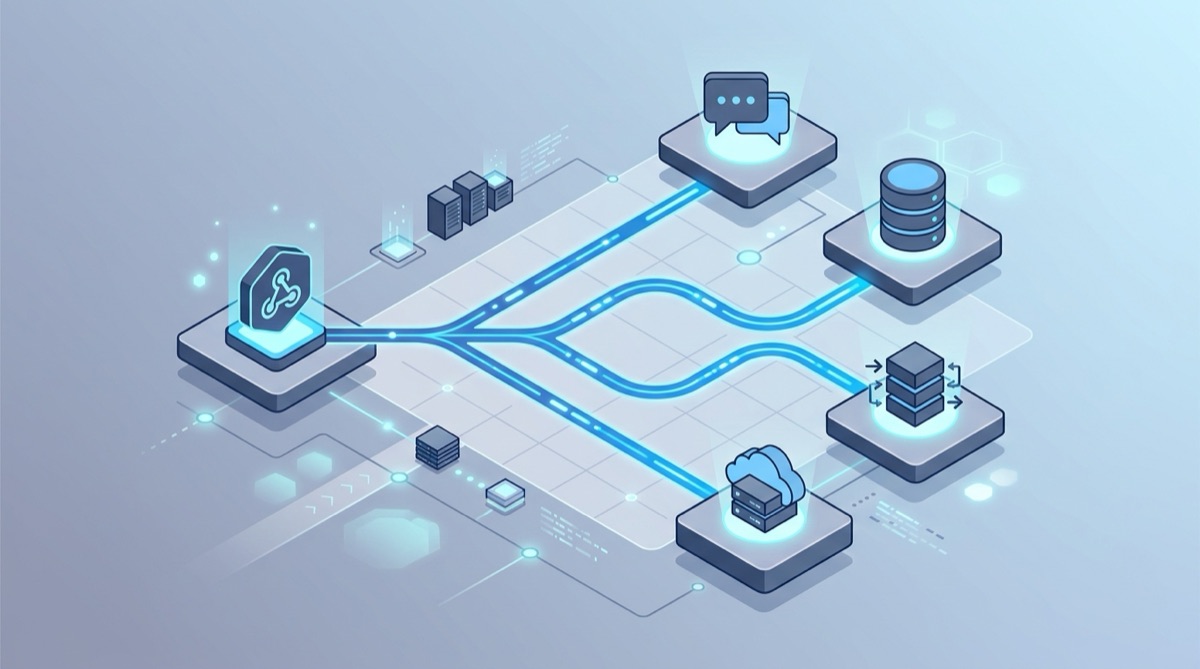
Google Cloud Pub/Sub is the backbone of a lot of event-driven systems on GCP — publish a message, and any number of subscribers (Cloud Functions, Dataflow, BigQuery, your own services) react to it. The friction is getting an external webhook onto a topic in the first place, which usually means writing a Cloud Function just to call publish. Webhook Relay Service Connections let webhooks publish to Pub/Sub directly.
How it works
Webhook Relay has service connections (your cloud credentials) and outputs (where to send data). Attach a Pub/Sub output to a bucket, and every webhook that arrives is published to your topic:
Provider --> Webhook Relay bucket --> Pub/Sub output --> your topic --> subscribers
No HTTP-triggered Cloud Function in the middle. Your existing subscribers do the work.
1. Create a GCP service connection
Create a service account in your GCP project, grant it the Pub/Sub Publisher role (roles/pubsub.publisher) on the target topic, and create a JSON key. In Webhook Relay, add a service connection for GCP with your project ID and the full JSON key contents. The key is encrypted at rest and never returned in full by the API.
2. Create the topic and attach a Pub/Sub output
Make sure the topic exists (Webhook Relay publishes to it but doesn't create it):
gcloud pubsub topics create webhooks
Then add a Pub/Sub output to your bucket with the topic name (webhooks). From now on, every webhook delivered to the bucket is published to that topic, with the request body as the message data and headers carried as attributes.
3. Point your provider at the bucket URL
Use the bucket's public Webhook Relay endpoint as the webhook URL in your provider, and test it:
curl -X POST https://your-webhook-relay-endpoint \
  -H 'Content-Type: application/json' \
  -d '{"event":"build.finished","status":"success"}'
A message lands on your Pub/Sub topic, and your subscribers fire.
Why publish webhooks to Pub/Sub
- Decouple producers from consumers. Webhooks become events many services can subscribe to independently.
- Scale and buffer. Pub/Sub absorbs spikes and delivers at the rate your subscribers can handle.
- Fan-out on GCP. One webhook → many subscribers (a Cloud Function, a BigQuery pipeline, an alerting service).
Going further
- Add a transformation to reshape the payload before publishing.
- Filter so only relevant events are published.
- Deliver to multiple destinations at once.
- On AWS instead? See sending webhooks to SQS.
Inspect a webhook first or create a free account to set up the Pub/Sub output.