
Receiving Webhooks in CI/CD: GitHub Actions, Jenkins & Harness (2026)
CI/CD runners are ephemeral and private, so providers can't reach them. How to receive webhooks in GitHub Actions, Jenkins and Harness behind a firewall.
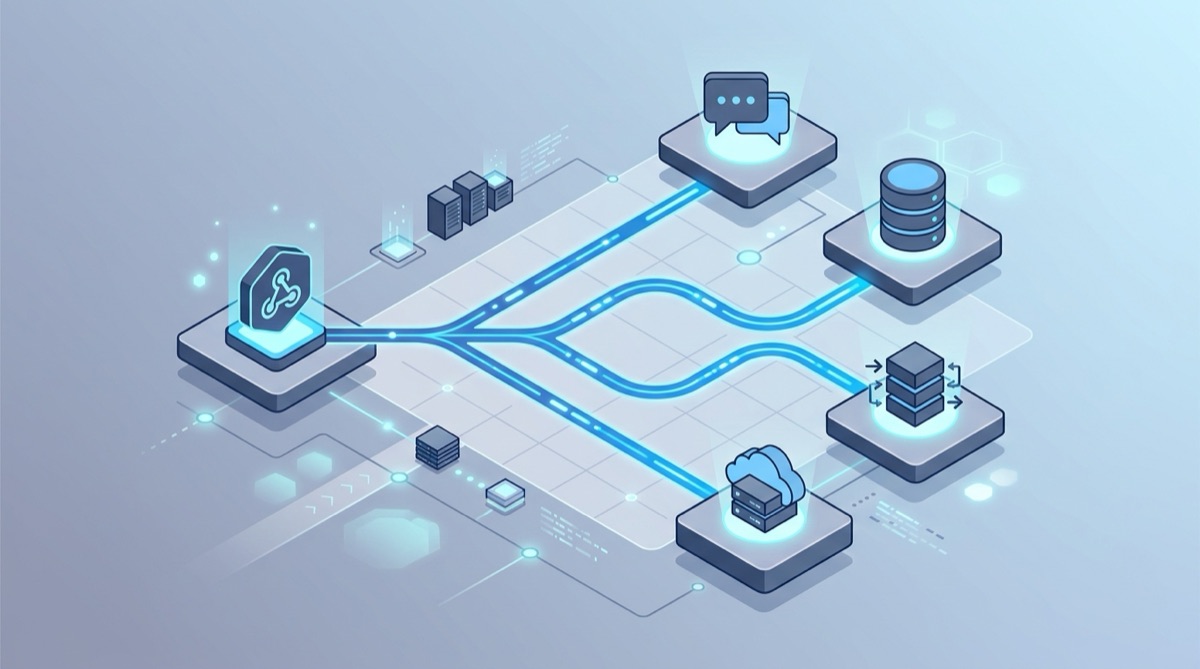
Continuous integration and delivery runs on webhooks — a push, a merged PR, a released tag, a provider event kicks off a build or a deploy. But CI/CD infrastructure is the worst place to receive a webhook: runners are ephemeral and usually private, so the sender has nothing stable to point at, and anything that arrives while a runner is spinning up is simply gone.
This is the same problem people hit with ngrok, amplified. The fix is the same shape: a persistent URL the provider is configured with once, plus an outbound agent that delivers into your private network — so no runner ever needs a public IP.
The problem: CI/CD runners have no stable public address
Three things make webhooks hard in CI/CD:
- No public IP. Self-hosted GitHub Actions runners, on-prem Jenkins controllers and self-managed Harness delegates all sit behind a firewall. Opening inbound ports to them is exactly what your security team doesn't want.
- Ephemerality. A fresh runner comes up with a new address and disappears when the job ends. A URL you paste into a provider today is meaningless tomorrow.
- Timing. The webhook that triggers a job often fires before the environment is ready. Miss it and the pipeline silently never runs.
The pattern: a persistent bucket + the relay agent
Webhook Relay gives you a bucket with a URL that never changes. You configure the provider (GitHub, GitLab, Bitbucket, Stripe, a partner API) with that URL once. Inside your network, the lightweight relay agent connects outbound to Webhook Relay and forwards each event to wherever it needs to land — a runner, a controller, an internal deploy hook. No inbound ports, no public IP, and the provider config survives every runner that comes and goes.
Because it's a full webhook gateway, you also get signature verification, payload transformation, fan-out and durable retries on top of the tunnel.
GitHub Actions
There are two distinct jobs people mean by "webhooks in GitHub Actions":
1. Trigger a workflow from an external event. GitHub starts workflows from its own repository_dispatch / workflow_dispatch API. Point a provider at a Webhook Relay bucket, use a transformation to reshape the incoming payload into a repository_dispatch call, and forward it to GitHub — a clean way to kick off a pipeline from a system that doesn't speak GitHub's API natively.
2. Receive a webhook on a self-hosted runner. When a job needs to receive an external callback — a deploy approval, a test event from a third-party sandbox, a partner's webhook — run the relay agent so the event is delivered to the runner's local endpoint over the outbound tunnel. A shared bucket means the same event can reach every runner in a matrix at once.
Jenkins
Jenkins is the classic case: GitHub, GitLab or Bitbucket needs to notify Jenkins to start a build, but Jenkins lives on-prem or inside a cluster. Point the provider at a persistent bucket URL and run the agent next to Jenkins:
relay forward --bucket acme-ci http://localhost:8080/github-webhook/
The agent connects outbound, so there are no firewall changes. The canonical Jenkins webhook guide covers GitHub, Bitbucket, GitLab, Gitea, private networks and Kubernetes deployment patterns in one place.
Harness
Harness triggers pipelines from webhooks too, and its self-managed delegates run inside your network. Run the relay agent alongside the delegate (or the internal endpoint you use for custom webhook triggers) and Webhook Relay delivers inbound trigger webhooks to it over an outbound connection — no public exposure of your Harness install. As of 2026, check Harness's current webhook-trigger and delegate configuration and point the agent at the endpoint it expects.
Share one endpoint across the team and the pipeline
The broadcast model that makes Webhook Relay useful for teams is just as useful across a pipeline. Multiple agents can connect to the same bucket, and each one receives every webhook — so a single provider event can reach a developer's laptop, a staging deploy hook and a CI runner at the same time, from one URL you configured once. It's the piece a plain tunnel can't do; see the ngrok alternative writeup for the full pattern.
Don't lose events while a runner spins up
The webhook that starts a pipeline often arrives before the environment is ready. With durable retries the event is persisted the moment it reaches Webhook Relay and retried — with exponential backoff, for up to 30 days — so a webhook that fired while a runner was booting or a controller was restarting still gets delivered instead of vanishing.
Get started
- Create a free account and create a bucket — that's your persistent URL.
- Point your provider (GitHub, GitLab, Bitbucket, Harness…) at the bucket URL.
- Run
relay forward --bucket <name> <your-ci-endpoint>next to your runner, Jenkins controller or delegate. - Optionally add a transformation or fan-out to route the same event to more than one target.
Want to inspect what a provider is actually sending first? Open a free Webhook Bin and watch the requests live before you wire anything up.
If your controller is currently public only so providers can reach its webhook endpoint, closing that port is the highest-impact item on the Jenkins hardening checklist.