

Service Connections
Connect Webhook Relay to AWS and GCP cloud services. Receive events from S3, SQS, SNS, GCS, Pub/Sub and send webhooks to cloud providers.
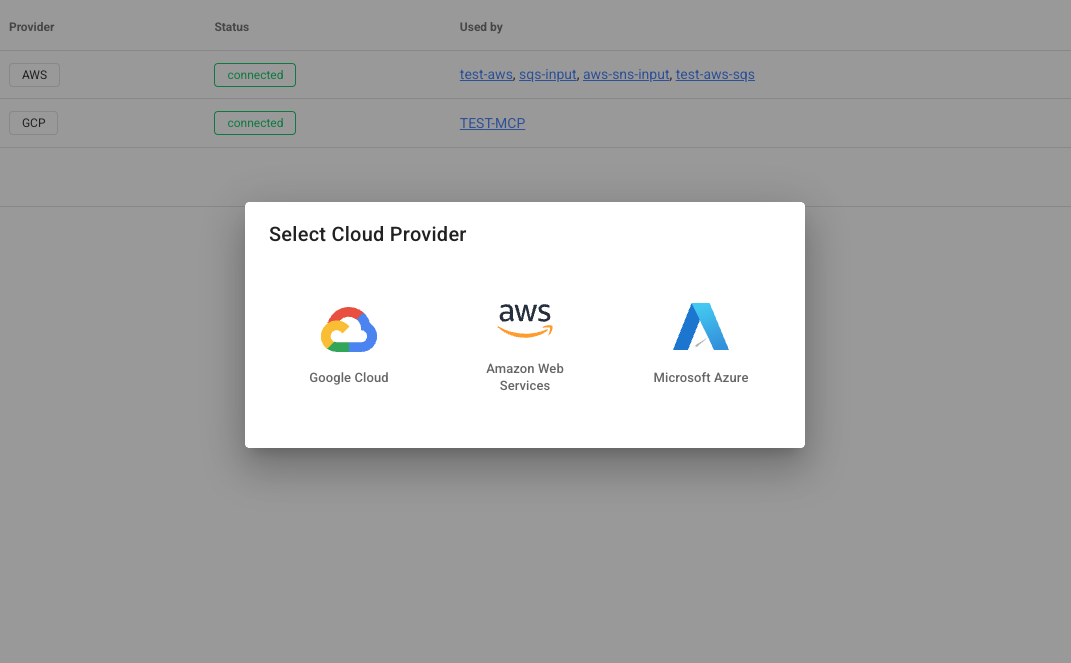
Service connections let you integrate Webhook Relay with cloud providers like AWS, GCP and Azure. Once connected, you can receive events from cloud services (inputs) and send webhooks into cloud services (outputs) — all through your existing buckets.
How It Works
A service connection stores your cloud provider credentials (encrypted at rest). You then attach inputs and outputs to any bucket:
- Inputs poll or subscribe to cloud services and relay messages into your bucket as webhook events
- Outputs forward incoming webhooks from your bucket to cloud services
Cloud Service ──► Input ──► Bucket ──► Output ──► Cloud Service
(SQS, Pub/Sub)                                    (S3, SNS)
This means you can bridge different cloud providers through Webhook Relay. For example, receive messages from a GCP Pub/Sub topic and forward them to an AWS SQS queue — or vice versa.
Supported Services
| Provider | Service | Receive Events (Input) | Send Webhooks (Output) |
|---|---|---|---|
| AWS | S3 | Object notifications | Upload objects |
| AWS | SQS | Poll messages | Send messages |
| AWS | SNS | Subscribe to topics | Publish to topics |
| GCP | Cloud Storage (GCS) | Object notifications | Upload objects |
| GCP | Pub/Sub | Subscribe to topics | Publish to topics |
Need something else? Ping us at [email protected] and we'll add it to our roadmap.
Setting Up Credentials
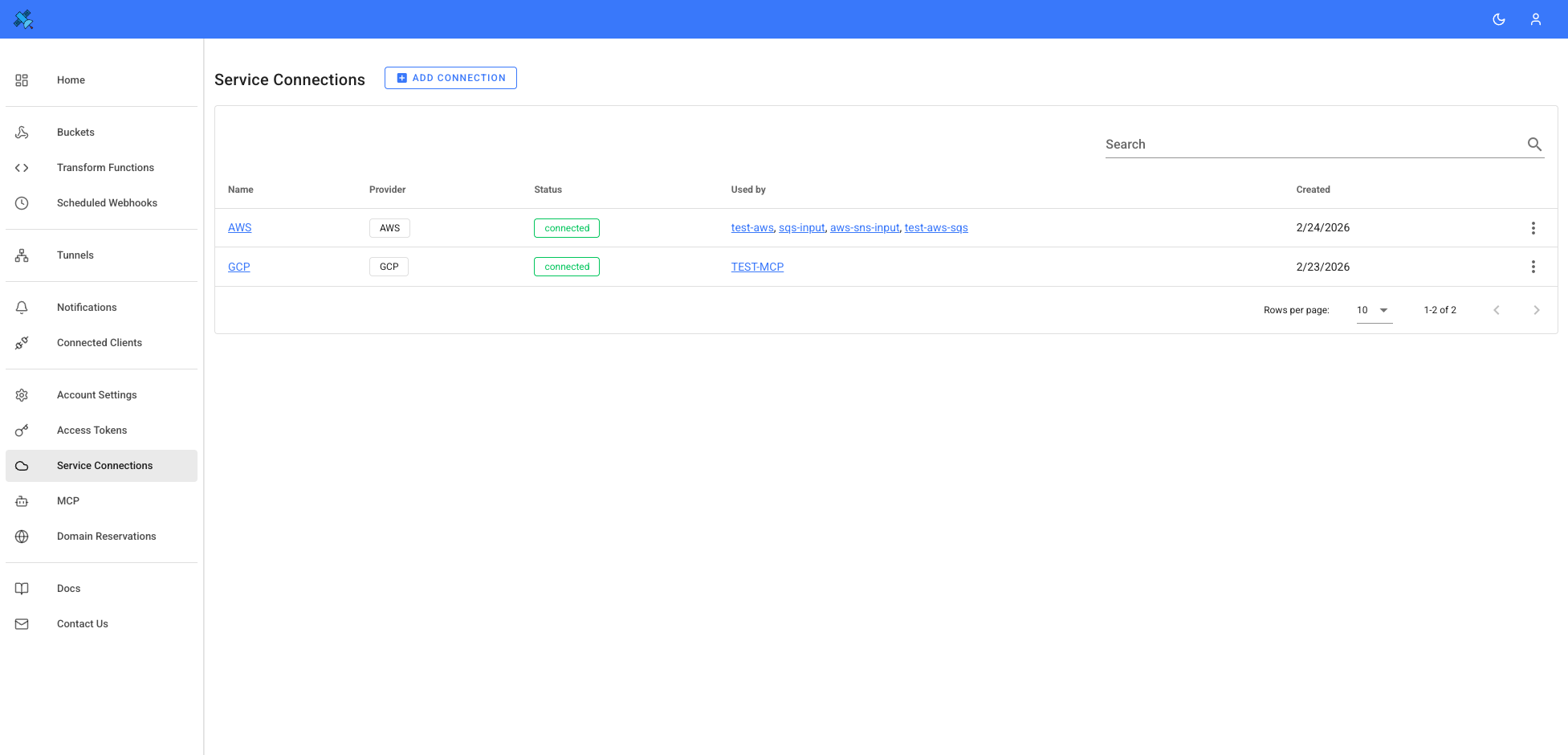
Service connections can be added here.
AWS
You need an Access Key ID and Secret Access Key from an IAM user with permissions for the services you want to use.
- Go to AWS IAM Console > Users > select or create a user
- Under Security Credentials, create an Access Key
- Copy the Access Key ID and Secret Access Key
- Create a service connection in Webhook Relay with these credentials
GCP
You need a Service Account JSON key from a GCP project.
- Go to GCP Console > IAM & Admin > Service Accounts
- Create a service account (or use existing) and grant roles for the services you need
- Go to Keys tab > Add Key > Create New Key > JSON
- Create a service connection in Webhook Relay, paste the JSON key contents
Transforming Messages with Functions
You can attach Functions to your bucket to transform messages as they pass through. This is useful when bridging different services that expect different payload formats.
For example, you could receive an S3 object notification, use a function to extract the relevant data and reformat it, then forward the result to a Pub/Sub topic or any HTTPS endpoint. See the JSON encoding and HTTP requests guides for details on payload manipulation.
Cross-Cloud and Hybrid Examples
Because Webhook Relay acts as a broker between inputs and outputs, you can combine any input with any output — even across providers:
| Use Case | Input | Output |
|---|---|---|
| Bridge GCP to AWS | GCP Pub/Sub subscription | AWS SQS queue |
| Bridge AWS to GCP | AWS SNS topic | GCP Pub/Sub topic |
| Cloud to on-premises | AWS SQS queue | Internal destination (localhost) |
| Cloud to any API | GCP GCS bucket | Public destination (any HTTPS endpoint) |
| Multi-cloud fan-out | AWS S3 notifications | GCP GCS + AWS SQS + HTTPS API |
Security
- Encryption at rest — secret fields (Secret Access Key, Service Account Key) are encrypted with AES-256-GCM
- Credential masking — API responses never return full credentials
- Account isolation — each account can only access its own connections