

Send a Webhook as Email: Forward Any Event to Your Inbox
Turn incoming webhooks into email notifications. Forward an event, transform it in flight, and send a formatted email via SendGrid, Mailgun or Postmark.
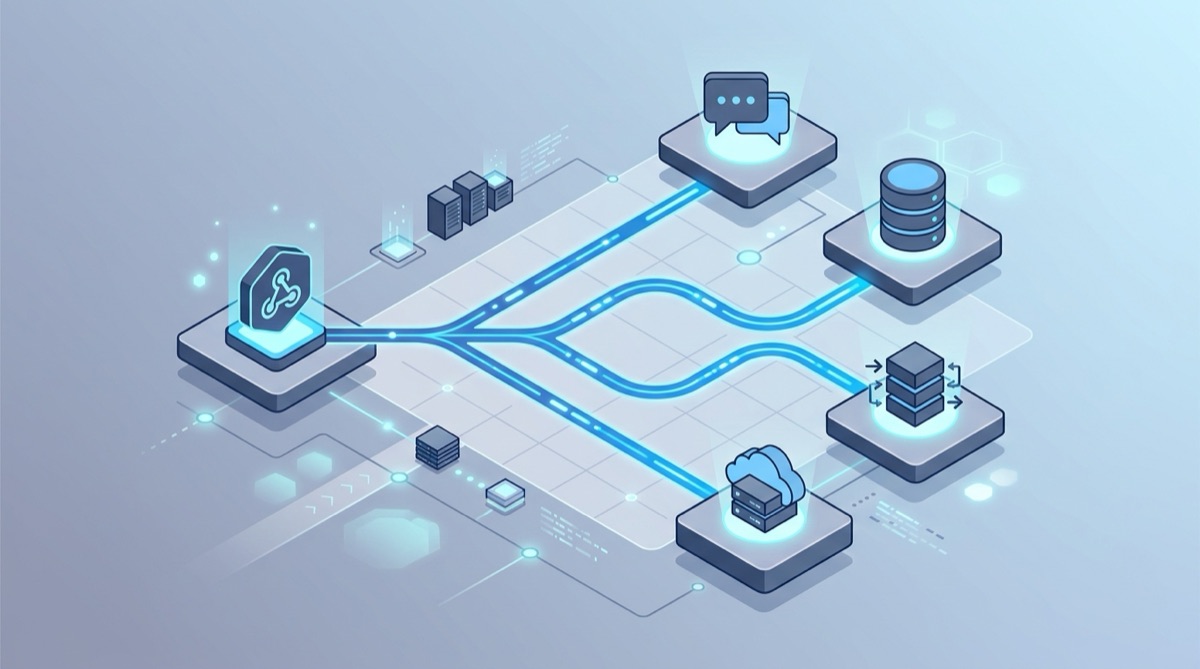
You have a service that fires webhooks — a payment provider, a CI pipeline, a form, a monitor, an alerting tool — and you'd rather get a plain email than wire up yet another dashboard or chat integration. Email is universal: everyone has an inbox, it's searchable, and it's easy to forward to a teammate.
The catch is that webhooks aren't emails. A provider POSTs a JSON payload to a URL; turning that into a nicely formatted message in your inbox normally means standing up a small server with SMTP or an email API. Webhook Relay removes that step: it receives the webhook at a stable public URL, runs a transform function that formats and sends the email, and you host nothing.
How it works
The flow is a single hop with a transform that sends the email:
Your service  ──▶  Webhook Relay  ──▶  transform: format + send email  ──▶  your inbox
 (raw webhook)      (public URL)        (serverless function)              (email arrives)
The transformation function does two jobs: it shapes the payload into a human-readable message, and it dispatches that message as an email — either through a built-in send-email capability or by calling an email API such as Mailgun, SendGrid or Postmark.
Step 1: Create a Webhook Relay endpoint
Create a bucket and input at my.webhookrelay.com/buckets. Copy the input URL (it looks like https://xyz.hooks.webhookrelay.com) — that's the public address you'll point your source service at.
You don't need a forwarding destination here: the function itself sends the email, so the input alone is enough.
Step 2: Inspect what your source sends
Before writing the function, capture a real payload so you know the field names. Point your source at a free Webhook Bin (or temporarily at the input URL and read the request log) and trigger one event. Now you can see the exact JSON and write your formatting around the real structure instead of guessing.
Step 3: Add a transform that formats and sends the email
Open the Functions page, create a function "from scratch", and attach it to your input. The example below uses Mailgun. First, on the function's config variables tab, set:
- api_key — your Mailgun API key
- domain — your Mailgun sending domain (e.g.
mg.example.com)
Then paste the function body, replacing the sender and recipient addresses:
local mailgun = require("mailgun")
local json = require("json")

-- Decode the incoming webhook so we can pull out fields
local event, err = json.decode(r.RequestBody)
if err then error(err) end

-- Build a readable message from whatever your source sent
local subject = "Webhook: " .. (event.type or "new event")
local text = string.format([[
A new event arrived.

Type:    %s
Message: %s

Raw payload:
%s
]], event.type or "unknown", event.message or "(none)", r.RequestBody)

-- Initialise Mailgun with your config variables
err = mailgun.initialize(cfg:GetValue("domain"), cfg:GetValue("api_key"), "us")
if err then error(err) end

-- Send the email
err = mailgun.send(
    "[email protected]",
    subject,
    text,
    "[email protected]"
)
if err then error(err) end

r:SetRequestBody("email sent")
That's the whole integration. Every webhook that hits the input is decoded, formatted, and emailed — no server, no SMTP setup, no cron.
Prefer a different provider? The same pattern works by POSTing to an email API from the function. Build the request body for SendGrid, Postmark or another service, set the
Authorizationheader from a config variable, and the function delivers it. The structure (decode → format → send) is identical.
Step 4: Filter so you only get useful email
The fastest way to ruin email notifications is to send too many. Filter inside the function. For example, skip low-value events and drop the request entirely:
-- Only email on the events you care about
if event.type ~= "payment.succeeded" then
    r:StopForwarding()
    return
end
StopForwarding stops the request right there, so no email goes out and nothing is forwarded. You can also push this upstream with forwarding rules so only matching events ever reach the function.
A concrete example: Stripe → email
A classic use of this is emailing yourself when a new customer subscribes. The decode-format-filter-send pattern above is exactly what powers the Stripe webhook to email walkthrough, which filters out free-plan signups and emails you the plan, amount, and links straight into the Stripe dashboard on every new paying customer. Swap Stripe for any provider and the shape of the function stays the same.
Going further
- Richer formatting. Send HTML email by passing an HTML body to your provider, so you can include headings, tables and links instead of plain text.
- Route by content. Inspect the payload and choose the recipient dynamically —
paymentevents to finance,errorevents to on-call. - Email and more. A webhook doesn't have to go just one place. Fan the same event out to email plus a chat channel or another API at once with multiple destinations.
Get started
Create a free Webhook Relay account, attach a transform function, and turn your next webhook into an email. Not sure what your source sends? Inspect the payload in a Webhook Bin first, then write the function to match.