

Send a Webhook to BigQuery: Stream Events Into a Table
Stream incoming webhooks straight into Google BigQuery. Insert each event as a row for real-time analytics — no pipeline to build or maintain.
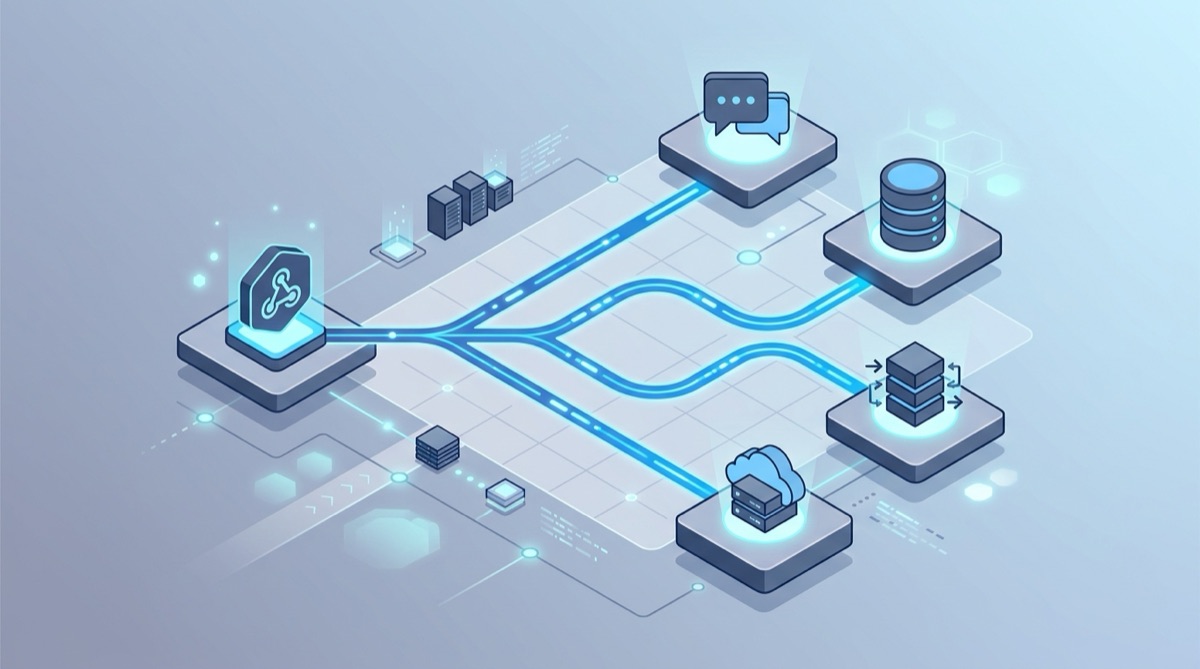
You want every webhook — payments, signups, deploys, alerts — to land in Google BigQuery as a row so you can query and dashboard it. The usual way is to stand up Pub/Sub plus a Dataflow job or a small server to receive the webhook and call the BigQuery API. That's a lot of moving parts for "insert a row."
Webhook Relay does it with a function: it receives the webhook at a stable public URL and inserts the event straight into BigQuery using the streaming insert API — no pipeline, no server.
How it works
Webhook Relay runs a small function on each incoming webhook. The built-in BigQuery package authenticates with a service-account key and streams rows into your table:
Provider --> Webhook Relay bucket --> BigQuery function --> your_dataset.your_table
It runs alongside normal delivery, so you can forward the webhook to your app and insert it into BigQuery at the same time.
1. Prepare BigQuery
- Create a dataset and a table whose schema matches the fields you want to store (e.g.
event STRING,id STRING,amount NUMERIC,received_at TIMESTAMP). - Create a service account with the
roles/bigquery.dataEditorrole and download its JSON key.
2. Add the BigQuery function
Create a bucket with a public input and attach a function that maps the payload to a row and inserts it. The full, copy-pasteable example is in the docs: insert and stream data into BigQuery and the BigQuery functions reference.
local body = json.decode(r.RequestBody)

local row = {
  event = body.event,
  id = body.id,
  amount = body.amount,
  received_at = os.date("!%Y-%m-%dT%H:%M:%SZ")
}

bigquery.insert("your-project", "your_dataset", "your_table", row)
3. Point your provider at the URL and test
Use the bucket's public Webhook Relay endpoint as the webhook URL in your provider, then fire a test event:
curl -X POST https://your-webhook-relay-endpoint \
  -H 'Content-Type: application/json' \
  -d '{"event":"invoice.paid","id":"in_123","amount":19.99}'
Query your table a few seconds later and the row is there.
Why stream webhooks into BigQuery
- Real-time analytics. Dashboard payments, signups or deploys without waiting for a nightly batch.
- No pipeline to maintain. Skip Pub/Sub + Dataflow for simple inserts.
- One source, many uses. Forward to your app, archive to GCS, and stream to BigQuery from the same webhook.
Going further
- Archive the raw payload to Google Cloud Storage or Amazon S3 alongside the insert.
- Transform or filter events before they reach the table.
- Fan a single event out to multiple destinations.
Inspect a webhook first or create a free account to start streaming into BigQuery.