

Send a Webhook to PagerDuty: Trigger Incidents From Any Event
Send any webhook to PagerDuty. Transform an incoming webhook into a PagerDuty Events API v2 alert in flight to trigger or resolve incidents.
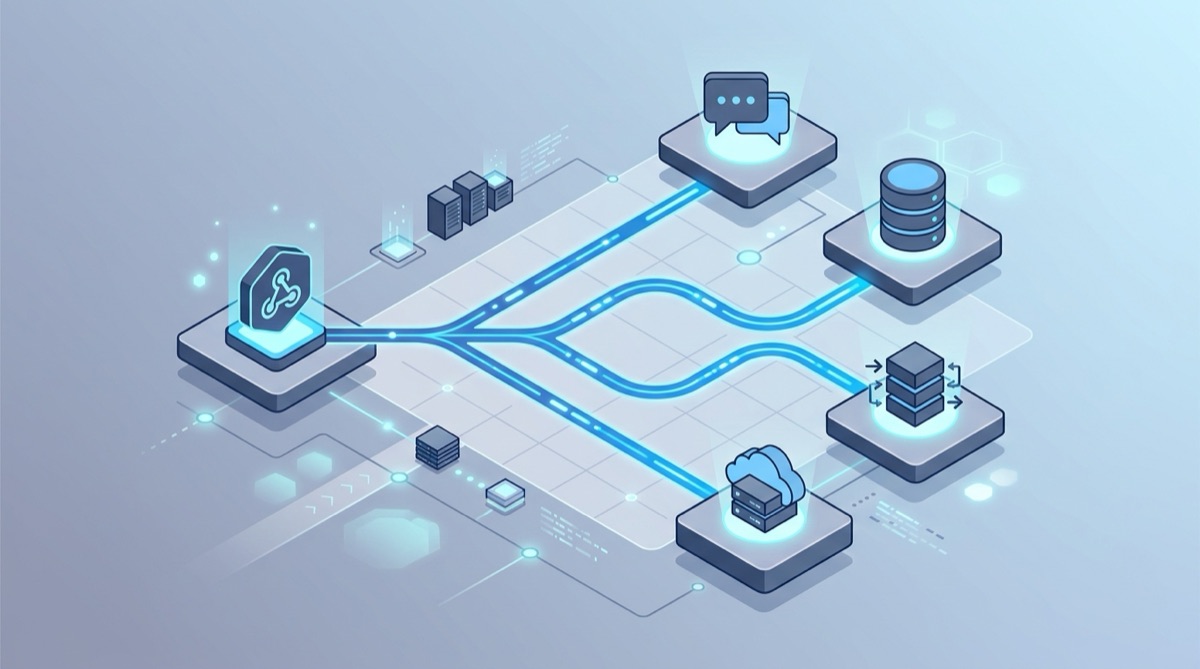
You have a tool that fires webhooks when something goes wrong — an uptime monitor, a CI pipeline, a custom health check, a security scanner — and you want each event to open (or resolve) an incident in PagerDuty. The problem: the PagerDuty Events API expects a precise JSON body with a routing_key and an event_action, and the webhook your tool sends never matches that shape.
Webhook Relay sits in the middle. It receives the incoming webhook at a stable public URL, transforms the payload into PagerDuty's Events API v2 format, and delivers it — no glue server, no Lambda, no maintenance.
How it works
- Your tool POSTs its webhook to a Webhook Relay endpoint.
- A transformation function maps the payload into a PagerDuty Events API v2 request.
- Webhook Relay forwards it to
https://events.pagerduty.com/v2/enqueue, and an incident triggers, acknowledges or resolves.
Step 1: Get a PagerDuty routing key
In PagerDuty, open (or create) a service, add an Events API v2 integration, and copy its Integration Key (the routing key).
Step 2: Create a Webhook Relay output to the Events API
Create a bucket with a public input, then add an output pointing at the PagerDuty Events API:
- Output destination:
https://events.pagerduty.com/v2/enqueue - Headers:
Content-Type: application/json
Step 3: Add a transformation function
Attach a function that maps the incoming webhook into the Events API v2 format:
local body = json.decode(r.RequestBody)

local event = {
  routing_key = "YOUR_ROUTING_KEY",
  event_action = "trigger",
  dedup_key = body.id,           -- stable key so repeats update one incident
  payload = {
    summary = body.message or "Alert from webhook",
    source = body.source or "webhook-relay",
    severity = body.severity or "critical"
  }
}

r:SetRequestBody(json.encode(event))
Send event_action = "resolve" with the same dedup_key to close the incident automatically when the source recovers.
Step 4: Point your source at the URL and test
Configure your monitoring or CI tool's webhook to point at the Webhook Relay public URL. Trigger an event — or replay one from the Webhook Bin — and an incident appears in PagerDuty within seconds. The Webhook Relay logs show PagerDuty's exact response if anything is off.
Going further
- Fan out: also post the alert to Slack, Microsoft Teams or Mattermost with multiple destinations.
- Filter noise: use forwarding rules so only real alerts page someone.
- Inspect first: see the raw payload in the Webhook Bin before writing the mapping.
Get started
Create a free Webhook Relay account and turn any webhook into PagerDuty incidents — no servers to run. New to webhooks? Start with what is a webhook and how to transform webhooks.